Tap list
Show what's on tap and in the fridge. Keep beer lists with taps and bottles, show them on a phone and print menu with QR code or on a live TV screen in your taproom, and let guests add their beers with a link.
The tap list shows guests what you pour. You keep a beer list with your taps and the beers you have, and BrewForge shows it on a menu (a web page for phones, a PDF and a QR code) and on a screen (a live display for a TV behind the bar). When you change a tap, menus and screens follow on their own.
You find it under Tap list in the sidebar (section Cellar). Before your first tap list it waits under More (why).
Pro plan
The tap list is part of the Pro plan. On other plans, Tap list shows a short description of what it does and a See plans button.
How the parts fit together
| Part | What it is | Where |
|---|---|---|
| Beer list | Your taps and beers, for example one per bar, fridge or festival | Beer lists, taps and beers |
| Menu design | The look of a phone and print menu | Menus and screens |
| Screen design | The look of a TV display | Menus and screens |
| Menu or screen on a list | A design shown for one beer list, with its own public link | Show a design on a list |
| Guest link | A link that lets other people add their beers to your list | Guest links |
Designs are reusable: one menu design can be shown on several beer lists, and each one shows that list's beers.
The Tap list page
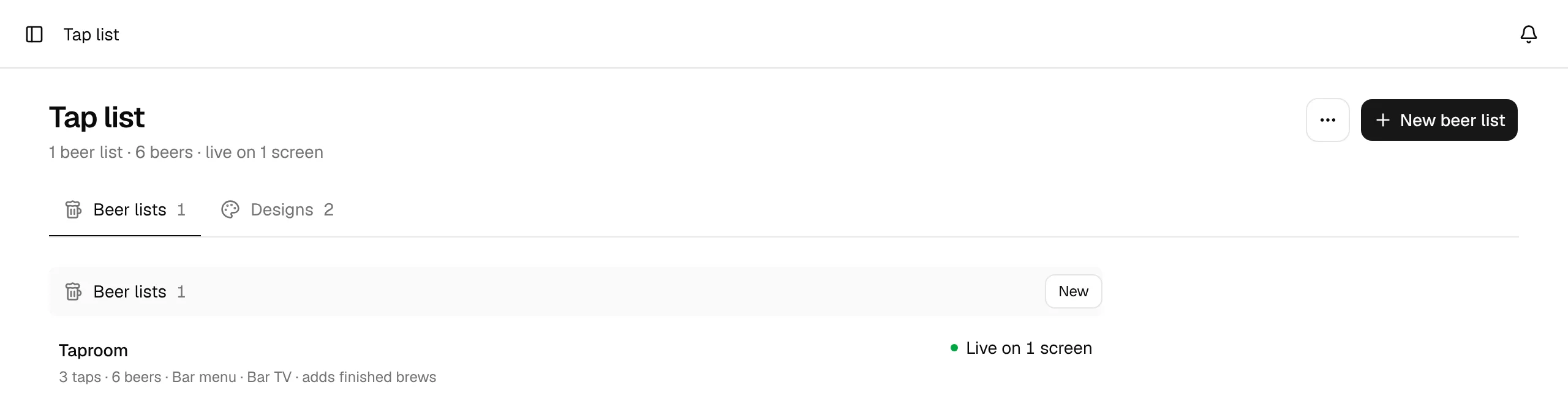
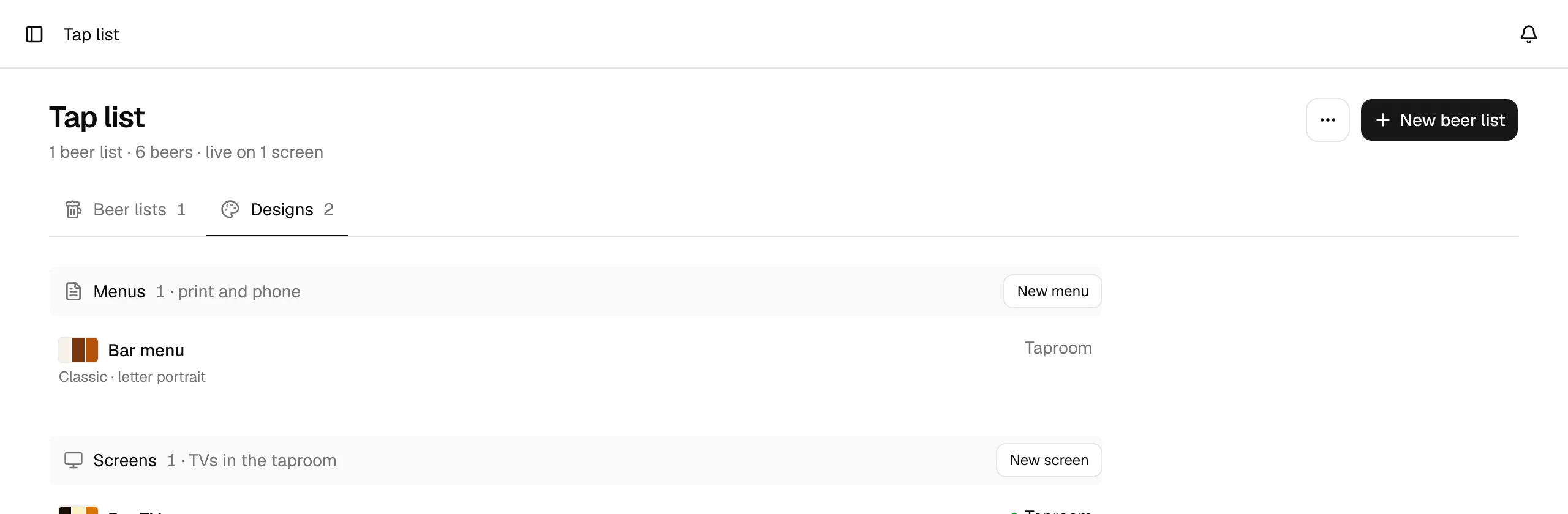
The header counts your beer lists and beers and says how many screens are live. New beer list creates a list (how); the ⋯ next to it has New menu design and New screen design.
The page has two tabs:
- Beer lists: one row per list. It shows the number of taps and beers, the menus and screens the list is on, and adds finished brews when finished brews join the list on their own. On the right it says Live on N screens, or how many menus the list has. Click a row to open the list.
- Designs: your menu designs (Menus, for print and phone) and screen designs (Screens, for TVs). Each row shows the design's colors, its starting look and page or display format, and the lists it is shown on (or Not shown yet). New menu and New screen create a design; clicking a row opens it in the designer.
Without any beer list, the page explains what the tap list is for and offers New beer list.