Account and settings
Create your BrewForge account and choose the units, gravity scale, color scale and language you brew with.
Create your account
Sign up at brewforge.sh/register with a username, your e-mail address and a password, then confirm your e-mail address.
Your first sign-in
Signing up accepts the Terms of Service and Privacy Policy. (Accounts from before they were published are asked once, with Accept and continue.)
The first time you sign in, a welcome suggests three first steps, in any order:
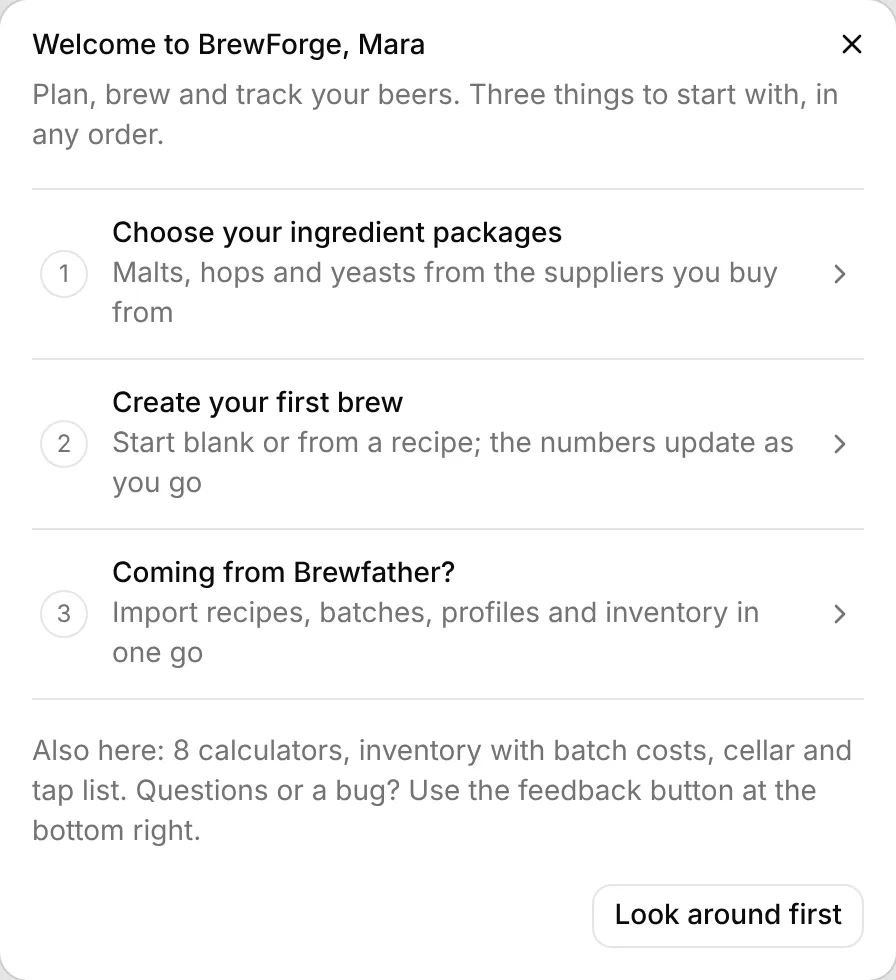
- Choose your ingredient packages: the malts, hops and yeasts of the suppliers you buy from. See Set up your brewery.
- Create your first brew: opens your brews, see Your first recipe.
- Coming from Brewfather?: opens the Brewfather import.
Click a step to go there, or Look around first to close the welcome. Either way it doesn't show again. Everything it points to stays in the sidebar.
If your browser's language is German or English but BrewForge is set to the other one, BrewForge then offers to switch (Switch to German or No, keep English). You can change the language in Settings at any time, see below.
BrewForge works in any modern browser on desktop, tablet and phone. On a phone, BrewForge offers to install it to your home screen (Install, or on an iPhone: Share → Add to Home Screen), so it opens like an app, which is handy on brew day. Not now hides the offer for a week.
Free plan
The free plan includes recipes, brew day, fermentation tracking, devices, inventory, profiles, calculators and import/export, for up to 20 brews. Paid plans remove the brew limit and add the cellar, tap lists, labels, ordering and the REST API. See pricing.
Choose your units
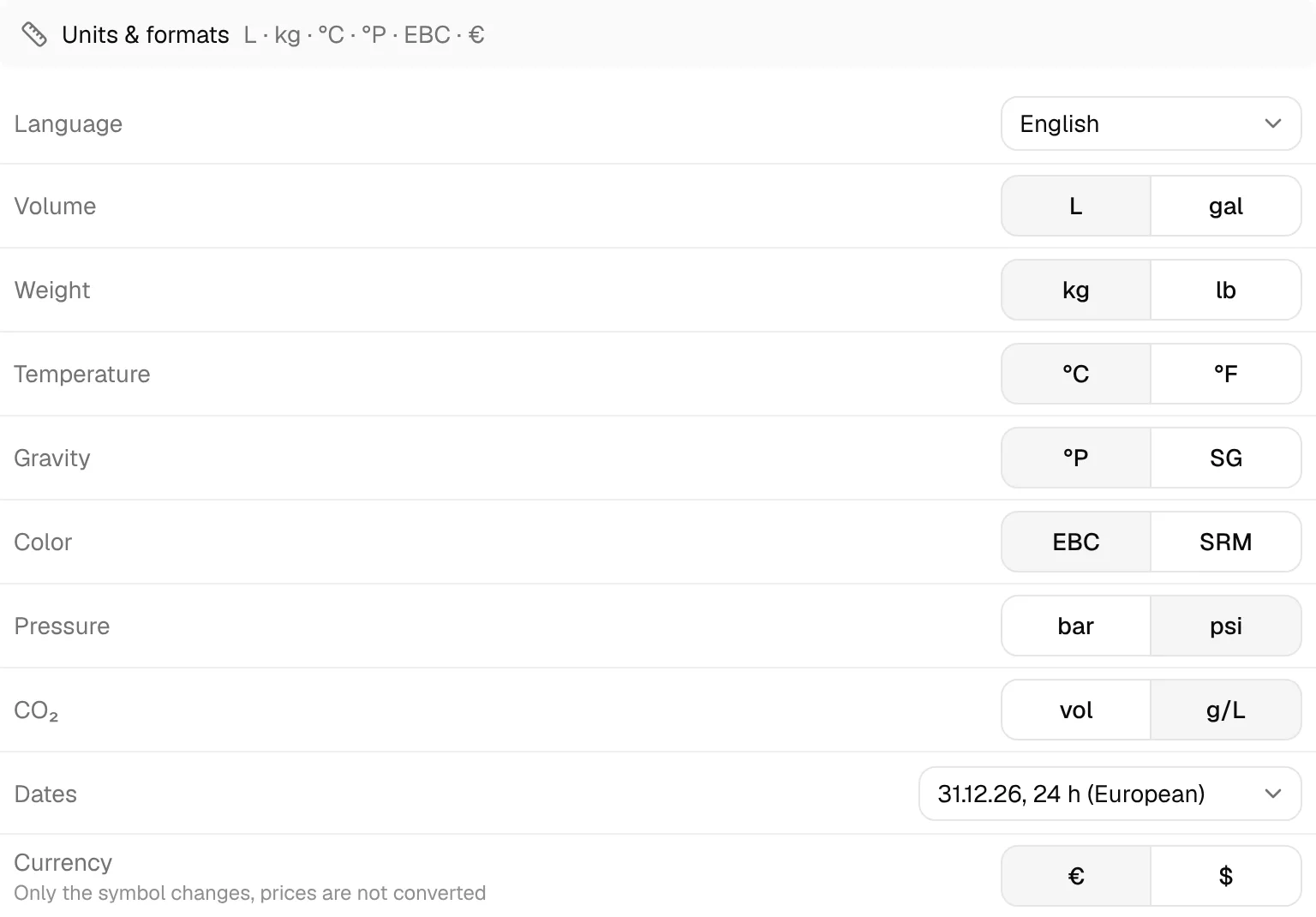
Open Settings in the sidebar (under Setup). On the General tab, Units & formats decides how every value in the app is shown. Each choice saves as soon as you pick it:
| Setting | Options |
|---|---|
| Language | English or Deutsch |
| Volume | Liters (L) or US gallons (gal) |
| Weight | Kilograms or pounds |
| Temperature | Celsius or Fahrenheit |
| Gravity | Plato (°P) or specific gravity (SG, 1.050) |
| Color | EBC or SRM |
| Pressure | bar or psi |
| CO₂ | Volumes (vol) or grams per liter (g/L) |
| Dates | European (31.12.26, 24 h) or American (12/31/26, 12 h) |
| Currency | € or $. Only the symbol changes, prices are not converted. |
Changing a unit only changes how values are displayed. BrewForge stores every value in one base unit (liters, kilograms, °C and SG) and converts when it shows them, so you can switch at any time without losing precision.
BrewForge stores gravity as specific gravity and converts to Plato for display:
°P = 260.4 − 260.4 / SG and back SG = 260.4 / (260.4 − °P)
Color is stored as SRM: EBC = SRM × 1.97.
Other settings worth a look
- General → Calculations → Efficiency chooses between international brewhouse and mash efficiency (default, as in Brewfather or BeerSmith) and the German Sudhausausbeute (as in Maische Malz und Mehr or Kleiner Brauhelfer). It only changes how efficiency is shown and typed; see Settings.
- General → Calculations → When a brew day value is missing decides what BrewForge recalculates when you only enter part of your brew day measurements: keep your recipe efficiency and recalculate the volume, or keep the recipe values and recalculate efficiency.
- General → Brewery holds your brewery name and logo, used on tap lists, menus, TRMNL screens and labels. Click a row to change them in a dialog.
- General → Calculations also holds the calcium chloride form and which brewing salts the water calculator shows and may use automatically.
- New brews → Defaults picks the equipment, mash, fermentation and water profile every new brew starts with (the same default you can set on a profile's page) and the next batch number.
Your name, email, password, plan and billing are on the Account page (click your name at the bottom of the sidebar → Account), see Account.