Labels
Design bottle and bottle-cap labels in BrewForge and print them straight from the browser on a Niimbot Bluetooth label printer, filled with your brew's name, style, ABV, IBU and dates.
With labels you design a small sticker once, as a template, and print it for any brew: BrewForge fills in the beer name, style, ABV, IBU, gravities, batch number and dates from the brew. Printing goes from the browser straight to a Niimbot Bluetooth label printer, with no driver or app in between.
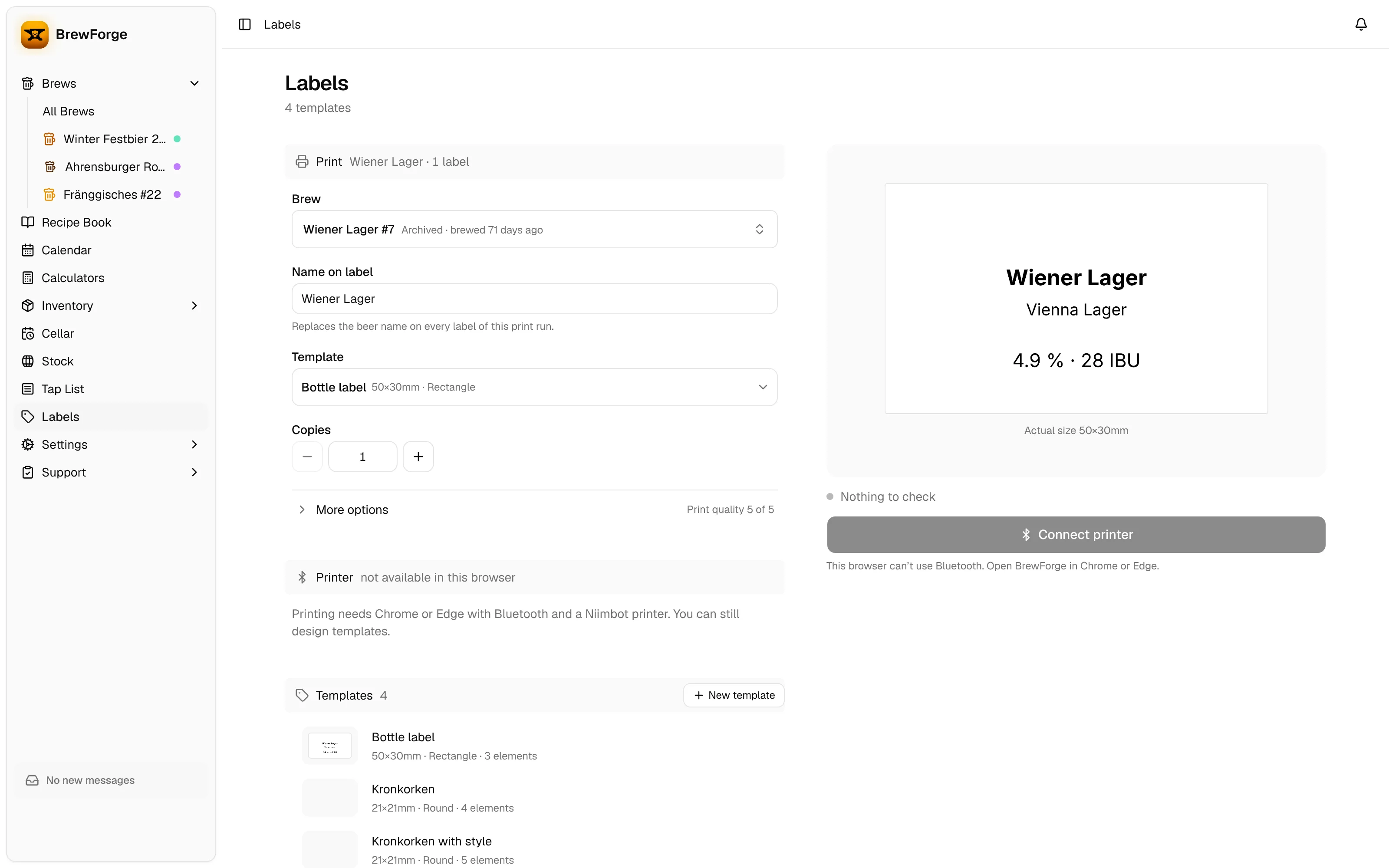
You find it under Labels in the sidebar (section Cellar). Before your first template it waits under More (why).
Pro plan
Labels are part of the Pro plan. On other plans, the Labels page says so and links to See plans.
What you need
- A Niimbot Bluetooth label printer and matching label rolls. BrewForge has the label sizes of the D series (D11, D101, D110) and the B series (B1, B21, B3S) built in; any other size works as a custom size.
- A Chromium-based browser such as Chrome or Edge, on a computer or Android phone with Bluetooth. Safari and Firefox don't support Web Bluetooth; there the Connect printer button stays disabled and says why.
You can design templates in any browser; only printing needs Bluetooth.
Unofficial printer support
BrewForge talks to Niimbot printers through the open-source niimbluelib library, which uses a reverse-engineered protocol. It has been tested with the B1, B1 Pro and B21 Pro. The D110M has reported cases of bricking; don't use it with BrewForge. The first time you open Labels, you accept a disclaimer saying that you print at your own risk.