Guest links
Let guest brewers add their own beers to your BrewForge tap list with a guest link, for example for a homebrew festival or club night, with a beer limit and an end date.
A guest link lets people without a BrewForge account add beers to one of your beer lists. That's handy for a club night or a homebrew festival: every brewer enters their own beer, and you decide where it shows.
Create a guest link
Open the beer list and click New link in the Guest links section.
Set At most (how many beers can be added with this link, 1 to 99; 10 is filled in) and Works for (1 to 365 days). Leave Works for empty for a link that works until you revoke it.
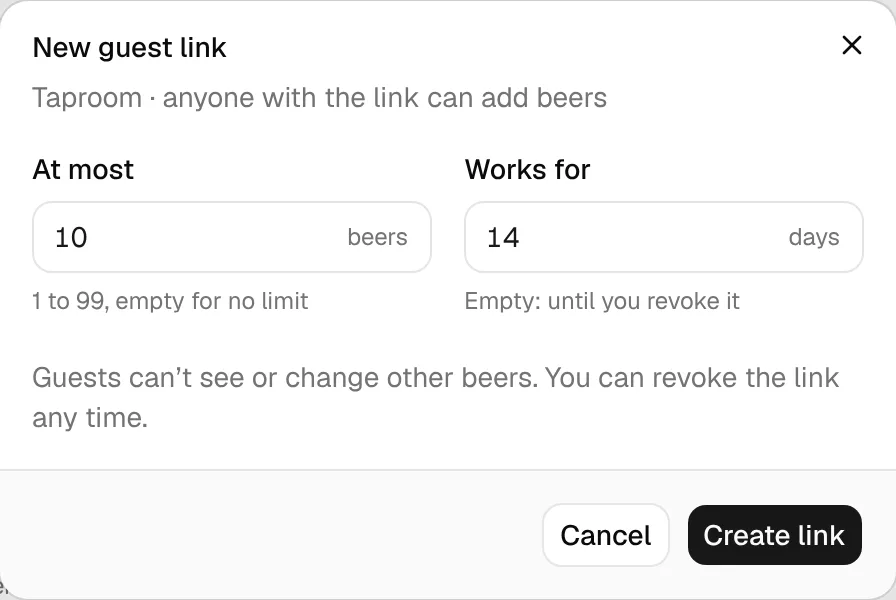
Click Create link. The link opens; Copy it and send it to the brewers.
Guests can't see or change the other beers on your list.
Your guest links
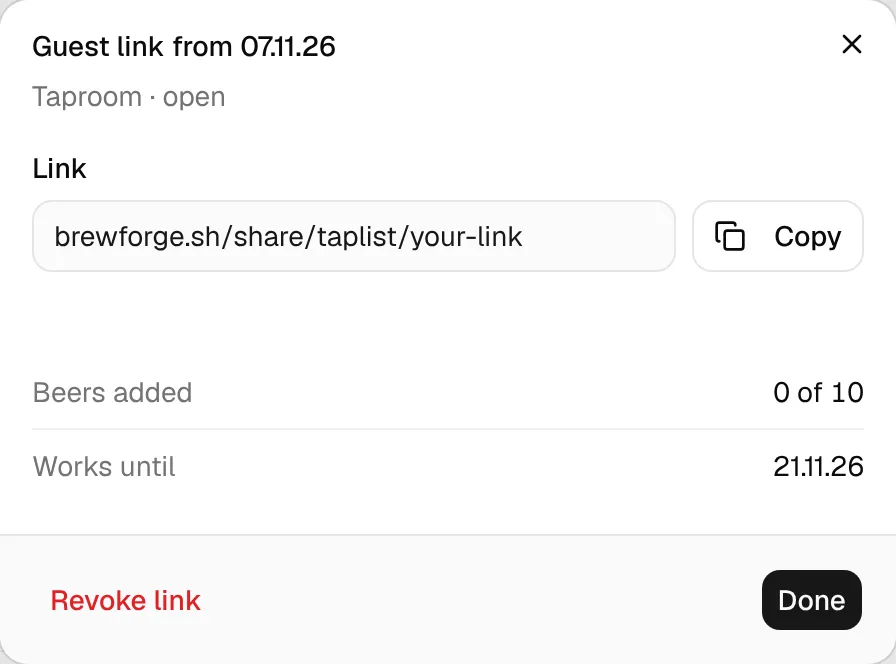
The Guest links section shows how many links are open. Each link row shows the date it was made, how many beers were added (for example 0 of 10 beers added), the end date and its state: Open, Full (the limit is reached), Ended or Revoked. Revoked and ended links sit behind a fold at the bottom of the section.
Click a link to see the Link with Copy, the Beers added, and until when it works.
A link that ends within the next two days shows up under things to check.
What guests see
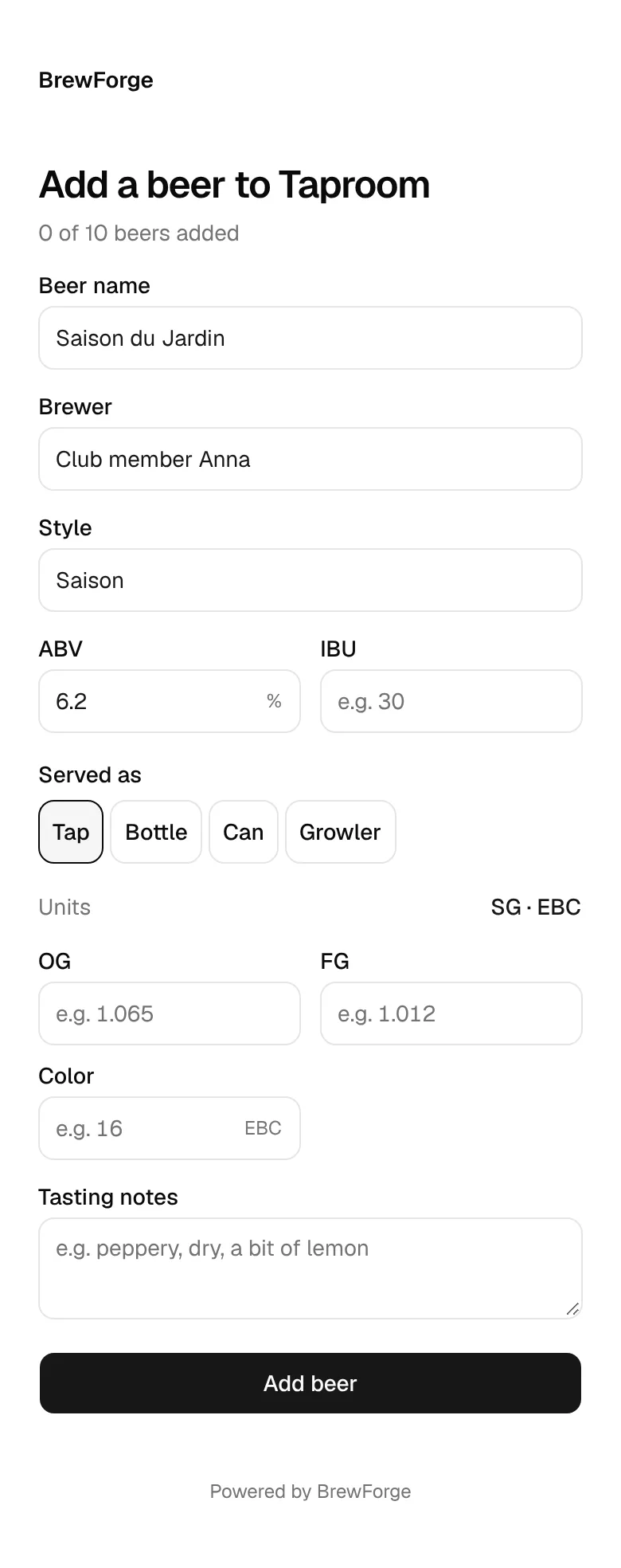
The link opens a plain page Add a beer to … with the list's name and, if the link has a limit, how many beers were added. Guests enter the Beer name (required) and optionally Brewer, Style, ABV and Served as. Show 5 more adds IBU, OG, FG, Color and Tasting notes; Units switches gravity between SG and °P and color between EBC and SRM. The page is in the language you use BrewForge in.
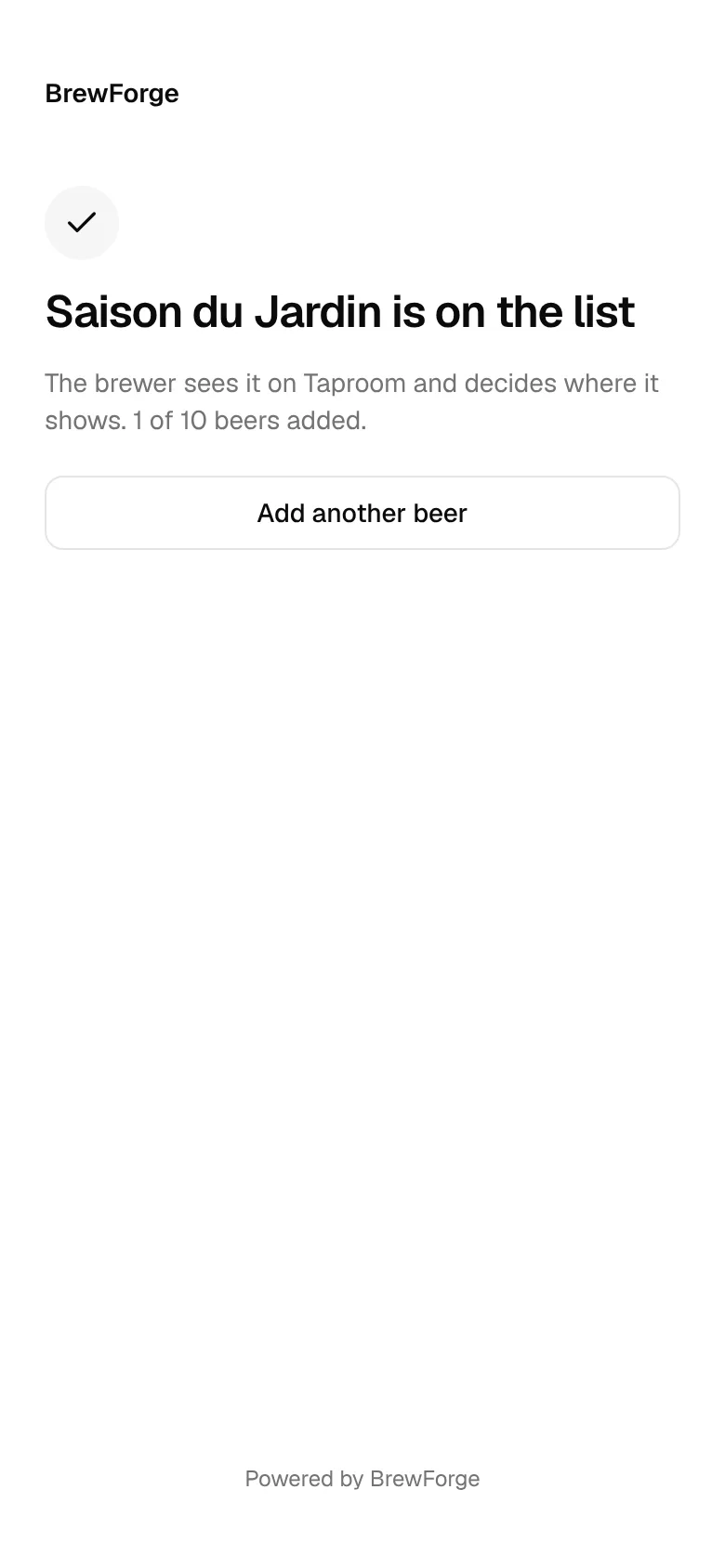
After Add beer they see that the beer is on the list, and can Add another beer.
Their beers land on your list as beers you entered by hand. Edit, hide or remove them like your own and put them on a tap.
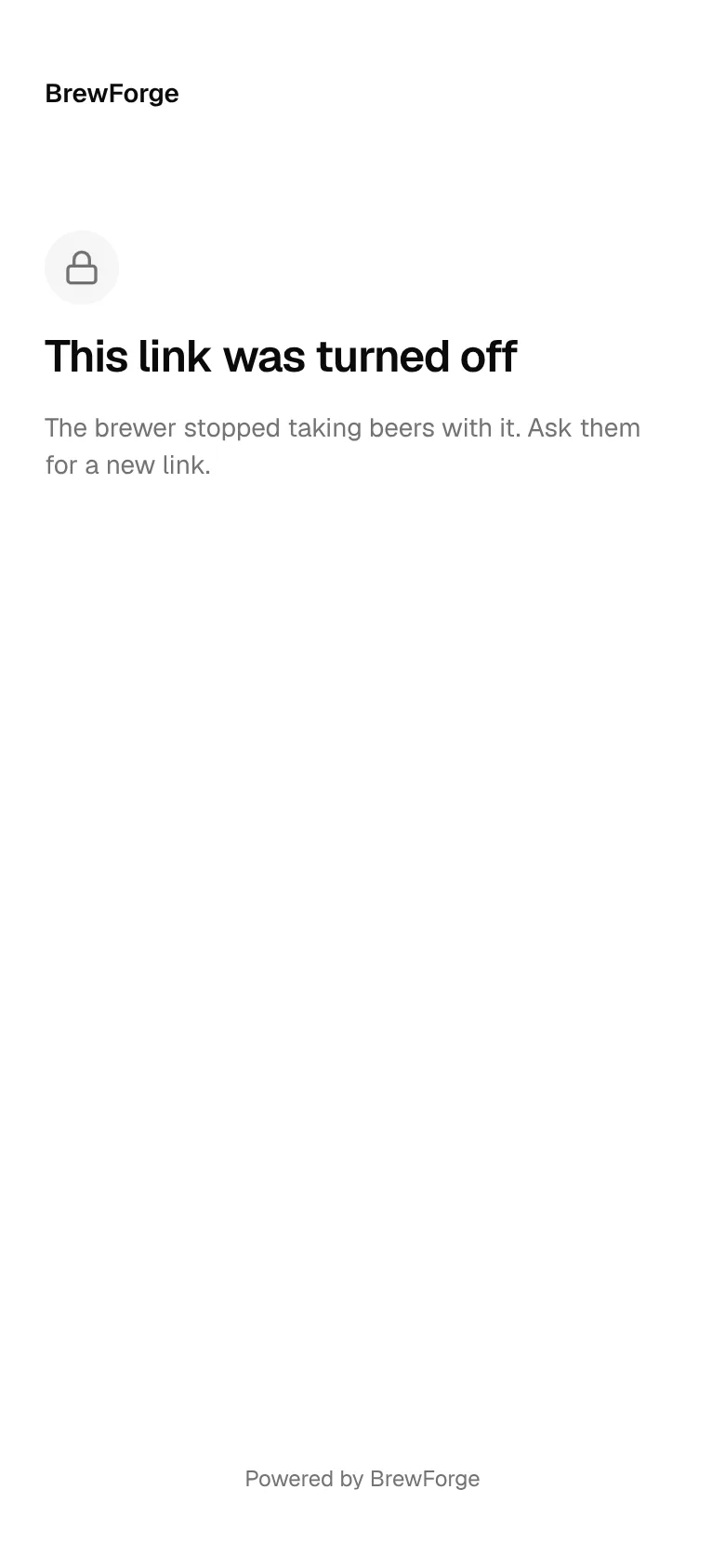
When a link no longer takes beers, guests see why: the link was turned off (revoked), has ended, or the list is full (all beers for this link are added). A link that doesn't exist says so too.
Revoke a link
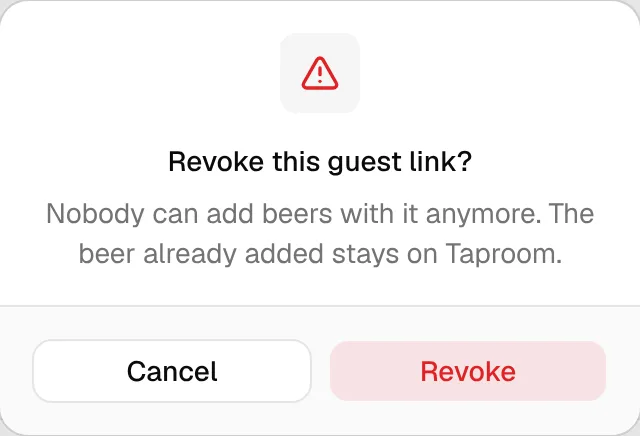
Open the link and click Revoke link, then Revoke. Nobody can add beers with it anymore. Beers already added stay on the list.
Treat the link like a password
Anyone who has the link can add beers until it is full, ended or revoked. Share it only with the people you invite.