Inbox and messages
The BrewForge Inbox & Tickets page: your bug reports with their status, messages from the BrewForge team, read and unread, Mark all read, archive, and how you are notified.
Inbox & Tickets (sidebar, section Help) collects everything between you and the BrewForge team: the bug reports you sent and the messages the team sends you. It used to be two pages, Inbox and My tickets; both now open this page.
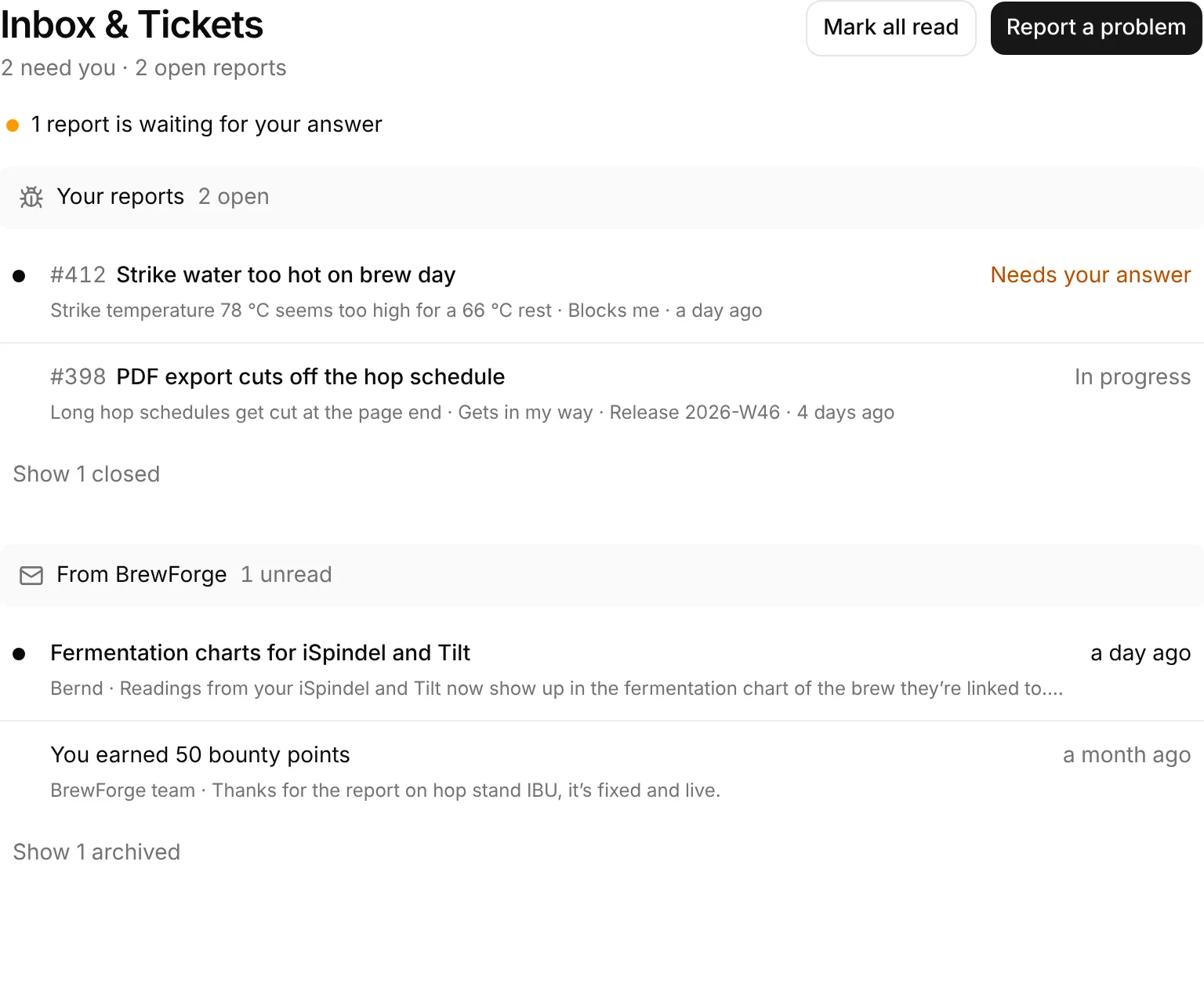
At the top
- The count line: how many things need you and how many reports are open, for example "2 need you · 2 open reports". "Nothing needs you" when you are up to date.
- Mark all read: appears when something is unread. It marks all messages and all ticket answers as read.
- Report a problem: opens the feedback dialog (Report a problem).
- "1 report is waiting for your answer", with an amber dot, when the team asked you something.
Your reports
Your bug reports, newest activity first. Each row shows:
- a dot when there is a New reply you haven't read,
- the ticket number and title,
- a line with the start of your description, the severity, the planned release, bounty points and when it last changed,
- the status on the right (Needs your answer in amber).
Open reports are listed; closed ones (Resolved, Closed, Moved to the roadmap) wait behind Show N closed. A closed report stays up top until you've read its last reply. Click a row to open the ticket page, where you read and answer the conversation.
From BrewForge
Messages from the team that don't belong to a ticket: announcements of new features, notes about bounty points, messages to you personally. Each row shows a dot when it is unread, the subject, the sender (a name, or BrewForge team) with the start of the message, and when it arrived.
Click a row to read the whole message in a dialog, with its pictures (click to enlarge). Opening it marks it read.
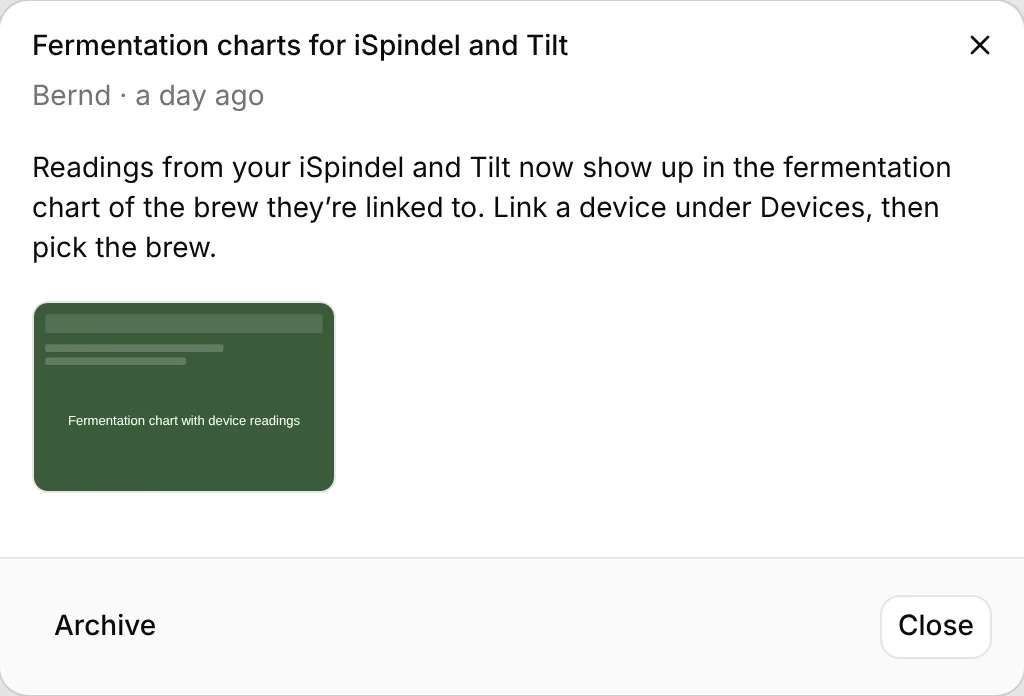
- Archive moves the message behind Show N archived at the end of the section ("Archived"). Archived messages open the same way, without Archive.
- Close closes the dialog.
You can't answer these messages. To tell the team something, report a problem, or post in Feedback.
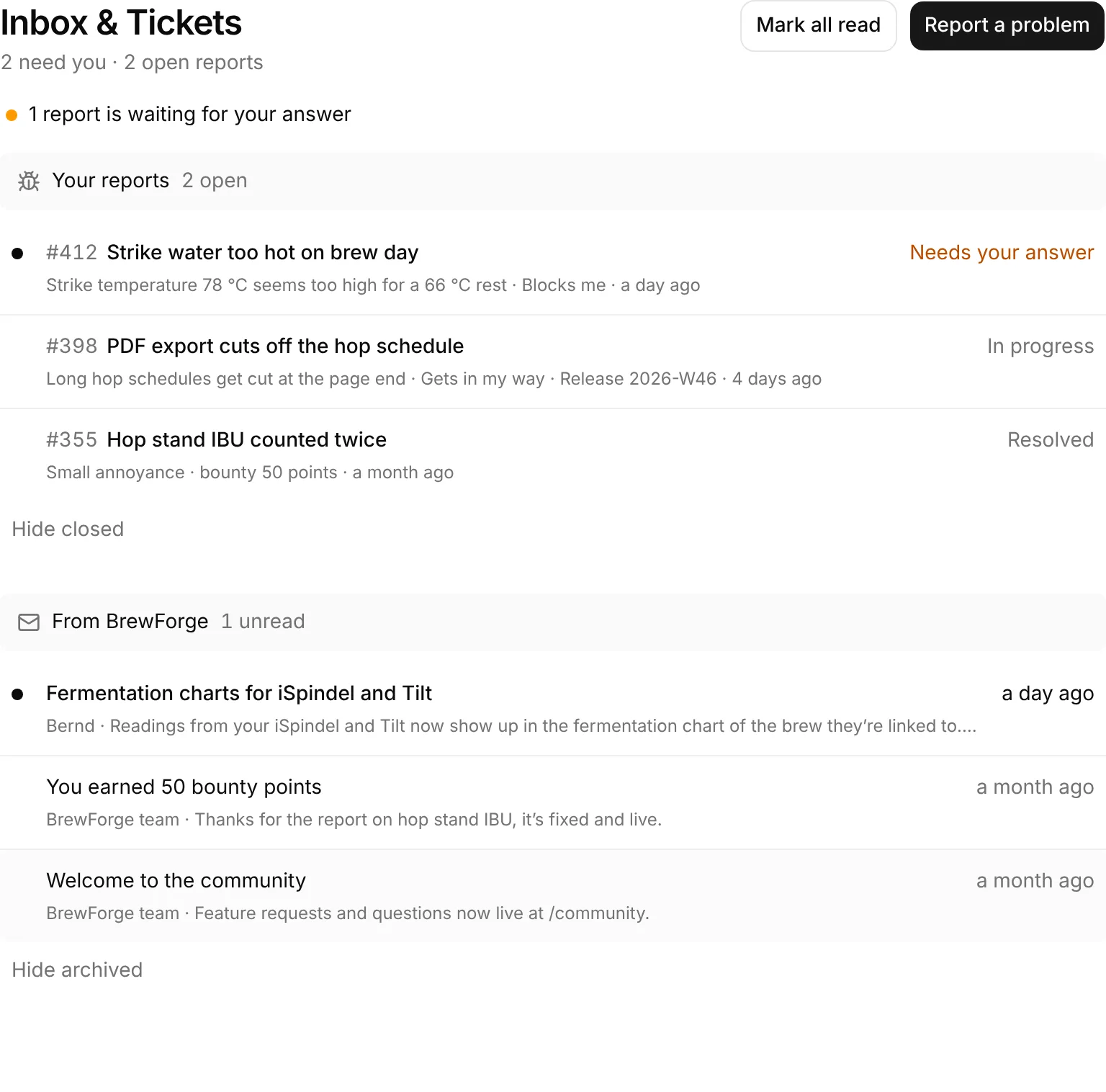
Read, unread and the sidebar count
The count next to Inbox & Tickets in the sidebar is the same as "need you" on the page. It counts:
- unread messages from BrewForge (not archived),
- tickets with an answer you haven't read,
- tickets that are Needs your answer, even after you've read the question: they count until you reply.
Notifications and e-mail
Answers and messages from the team land here and on the ticket page. BrewForge doesn't send an e-mail when the team answers a ticket or sends a message, and they don't appear under the bell at the top of the page (the bell is for feedback notifications). Watch the count next to Inbox & Tickets in the sidebar.
When no report and no message exists yet, the page says: "Nothing here yet. When something in BrewForge doesn't work, report it and follow the answer here. Messages from the BrewForge team land here too."