Data export
Download all your BrewForge data as one JSON file, for backups or to take it elsewhere (GDPR Article 20).
Export all data downloads everything you stored in BrewForge as a single JSON file. Use it as a backup, to analyze your data with your own tools, or to take your data to another service. It is your right under Article 20 of the GDPR, and it is available on every plan.
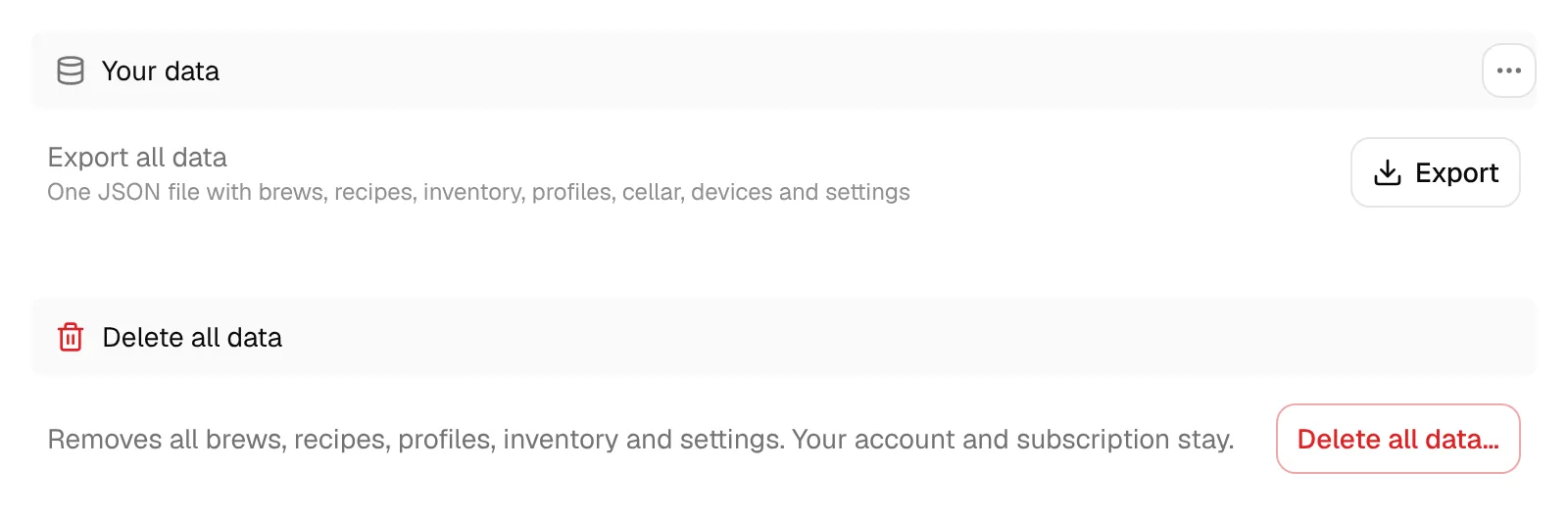
Export your data
Open Settings and switch to the Your data tab.
Next to Export all data, click Export. Preparing the export can take a moment for large accounts.
Your browser downloads brewforge-data-export-YYYY-MM-DD.json.
What the file contains
The export includes your brews and recipes, inventory, your own ingredient packages, profiles (equipment, mash, fermentation, water and styles), order lists, custom field definitions, devices with their logged readings, preferences, cellar data (vessels, containers, stays, and keg and container stock), BJCP evaluations, messages, your API token list (names and scopes, not the secret values), and your account and subscription details.
The file is meant for people and scripts. It is not an import format: to move single recipes into another brewing app, export them as BeerXML instead.
Related
- Delete your data: export first, then delete.
- API tokens: read your data continuously instead of as a one-off file.