Your input: proposals and questionnaires
How the BrewForge team shares proposals for feature requests and asks members short questionnaires before building a feature, and how to answer them.
Before the team builds a popular feature request, it often wants to know how you would use it. Two things on a feature request help with that: a proposal of how it could work, and a short questionnaire.
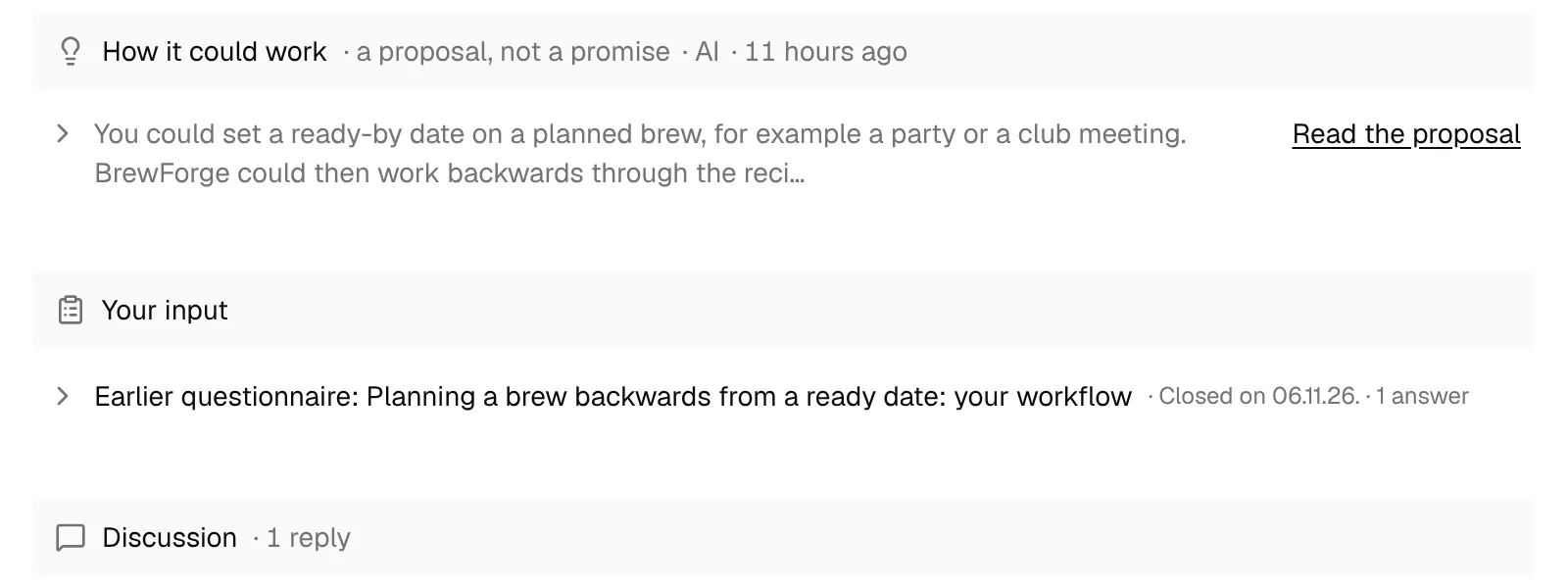
How it could work
A How it could work section is the team's proposal for the feature, a proposal, not a promise. It shows who wrote it (the team or AI) and when. The first lines are shown; click Read the proposal to open the whole text. If the proposal misses your use case, say so in a reply.
Questionnaires
When a thread has an open questionnaire, it shows under Your input with the number of questions and answers so far, and an Answer button. In Feedback list, the line Your input is wanted on N threads and the filter Your input wanted lead you to every thread with a questionnaire you haven't answered yet.

Open it
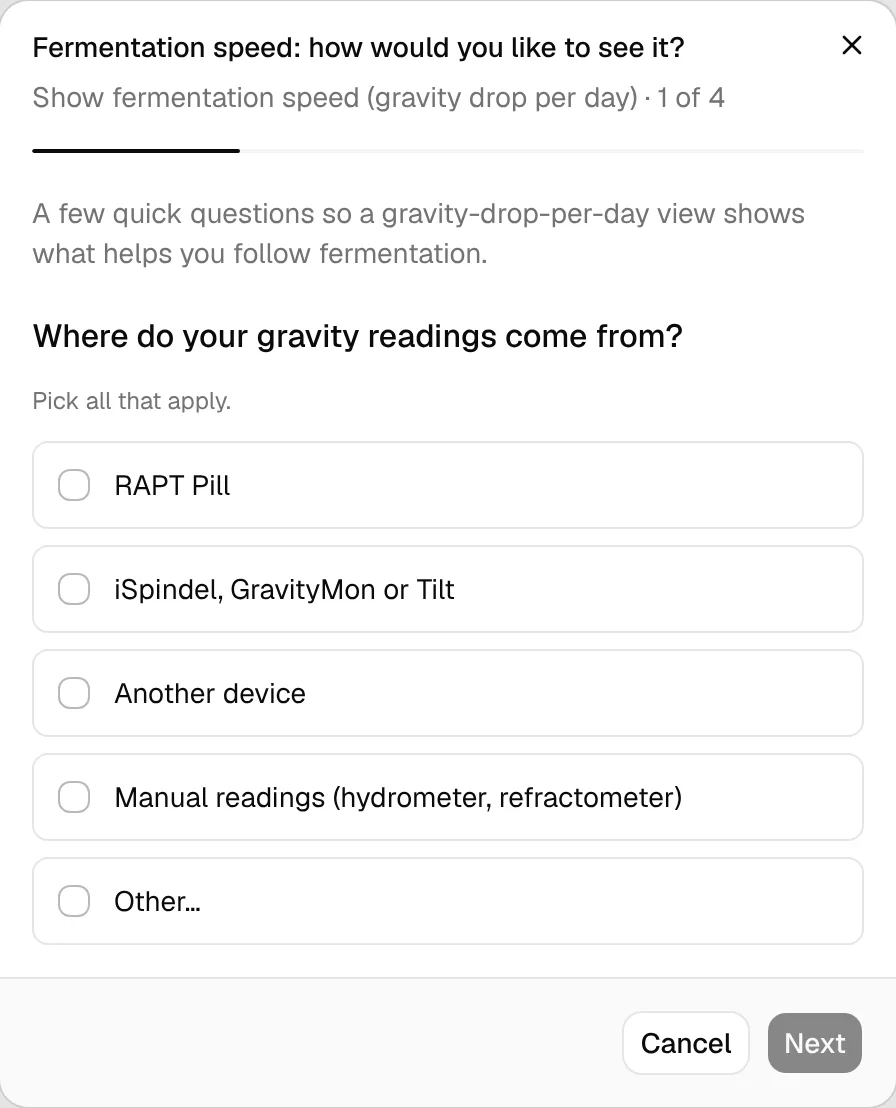
Click Answer. The questionnaire opens one question per step, with the progress at the top (1 of 4).
Answer each question
Pick one option, or all that apply where it says Pick all that apply. If nothing fits, choose Other… and write a short answer. Move on with Next; Back goes to the previous question.
Submit
Click Submit on the last question.
Once you have answered, the section says You answered on … and shows what others picked: per option the number of answers and the share, with your own answers marked. Before that it says Answer to see what others picked. While the questionnaire is open, Change answers lets you change them and Save answers saves the new ones.
"Other" texts go through the same automatic check as posts before others see them. If the check doesn't publish yours, you see why, and your picked options still count.
Answering doesn't need a paid plan and doesn't count toward your posting limits. Your account has to be at least 7 days old.
When the team closes a questionnaire, it moves into a fold Earlier questionnaire: … · Closed on … with the number of answers. Open it to see the results; once a questionnaire is closed, everyone can see them.