Sign-in help
Can't sign in to BrewForge? Reset a forgotten password, get the verification email, fix expired links and see when to contact support.
This page is for when you can't get into BrewForge: a forgotten password, an email that doesn't arrive, a link that doesn't work anymore. Settings you change while signed in (password, email, devices) are on the Account page.
How you sign in
BrewForge has one way to sign in: your email or username plus your password, on the sign-in page at brewforge.sh/login. There is no sign-in with Google, Apple or other accounts, and no login link by email. Your account needs a verified email address before the first sign-in.
All emails about your account come from noreply@brewforge.sh. If you're looking for one, search your inbox and spam folder for that address or for "BrewForge".
Forgot your password
On the sign-in page, click Forgot password? next to the password field.
Enter the email address of your account and click Send reset link.
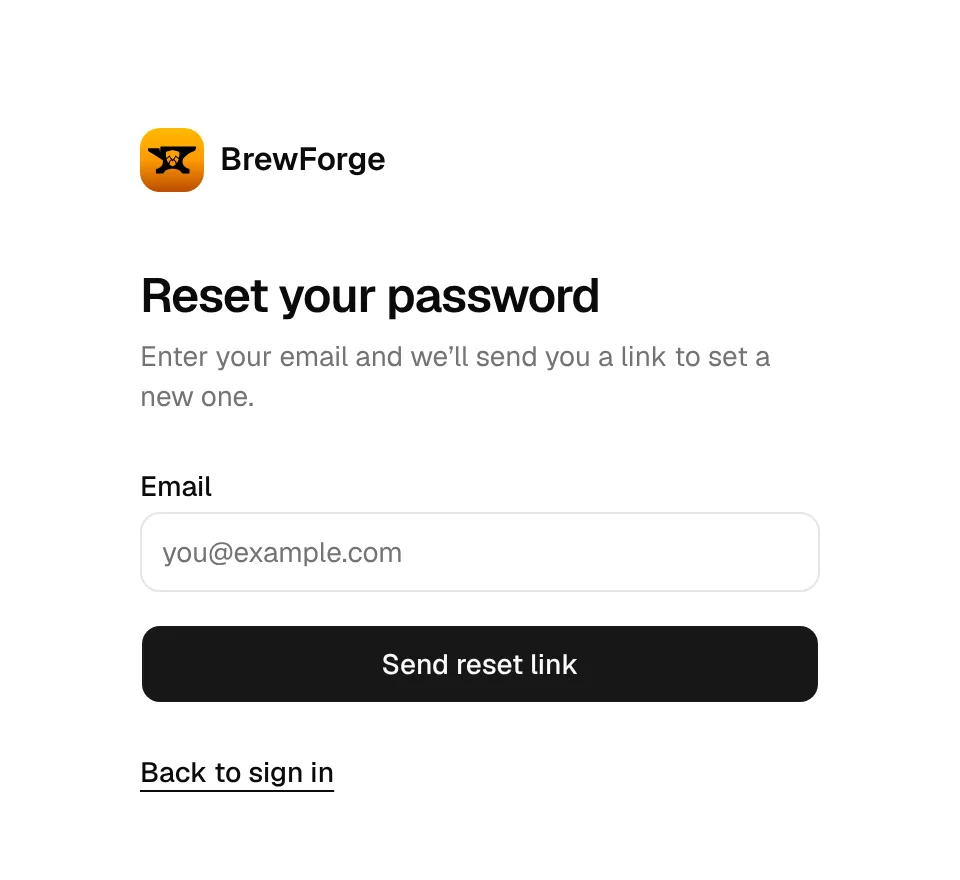
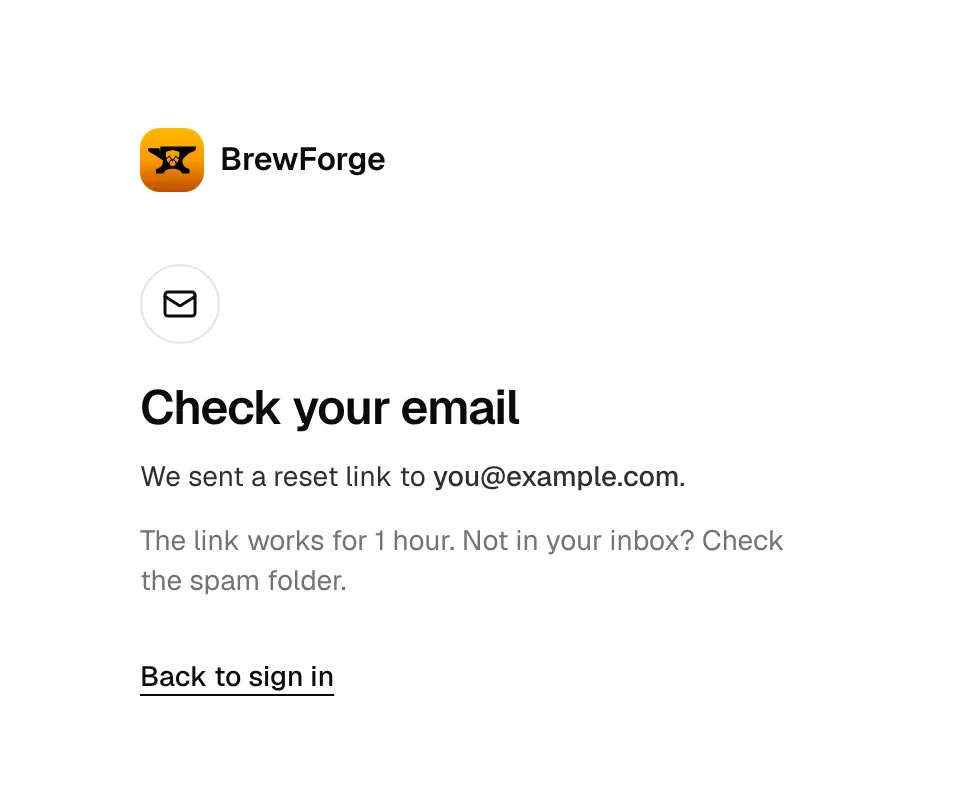
BrewForge shows Check your email. Open the email Reset your BrewForge password and click the link in it.
Enter a New password with at least 8 characters and click Save password. On Password changed, click Sign in and use the new password.
The reset link works once and for 1 hour. If you ask for a link several times, use the newest email.
Signed in already and only want a new password? Use Password on the Account page instead.
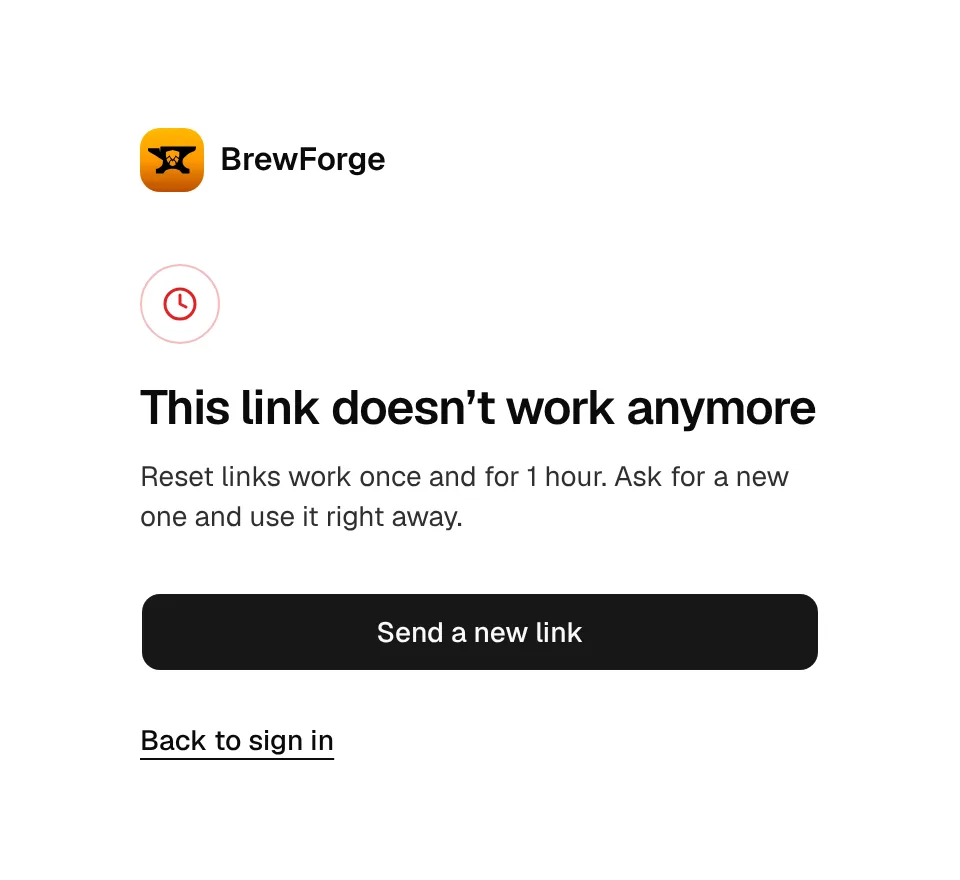
"This link doesn't work anymore"
You see this when the reset link is older than 1 hour, was already used, or was cut off (some email programs break long links). Click Send a new link, then open the new email right away.
The reset email doesn't arrive
- Look in the spam or junk folder, and in tabs such as "Promotions" or "Updates".
- Check the address you typed. For privacy, BrewForge shows Check your email for every address, also for ones that have no account, so the screen doesn't tell you whether the address is right. If nothing arrives after a few minutes, try the other addresses you use.
- Not sure which address your account uses? You can sign in with your username, but the reset link only goes to the email address. If none of your addresses gets it, contact support.
Verify your email
After Create account, BrewForge sends Verify your BrewForge email and shows Check your email. Click the link in the email: your address is verified, you are signed in and see Email verified. Open BrewForge takes you in.
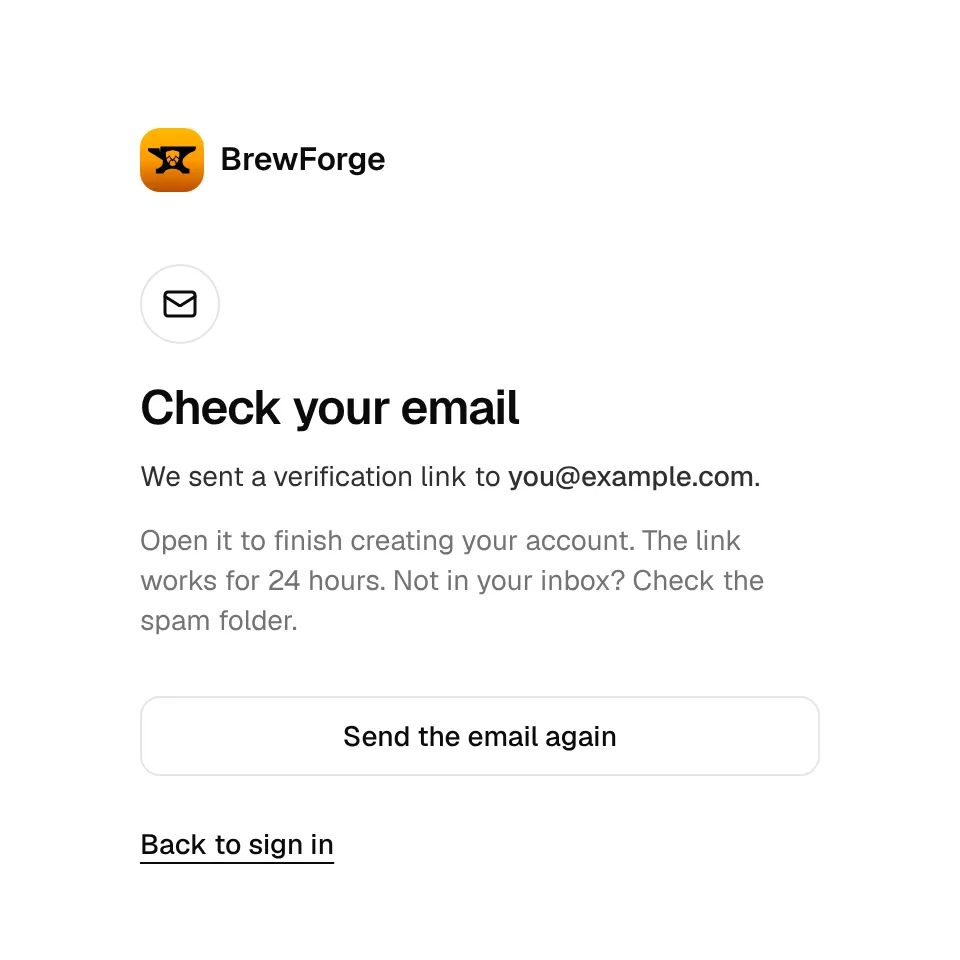
The verification link works for 24 hours.
The verification email doesn't arrive
Wait a minute or two and look in the spam or junk folder.
Click Send the email again on the Check your email page. Closed that page already? Go to sign in and enter your email address (not your username) and password. BrewForge shows Verify your email first with Send the link again.
Use the link from the newest email.
You can send the email up to 3 times per minute. More than that shows Too many attempts. Wait a moment and try again.
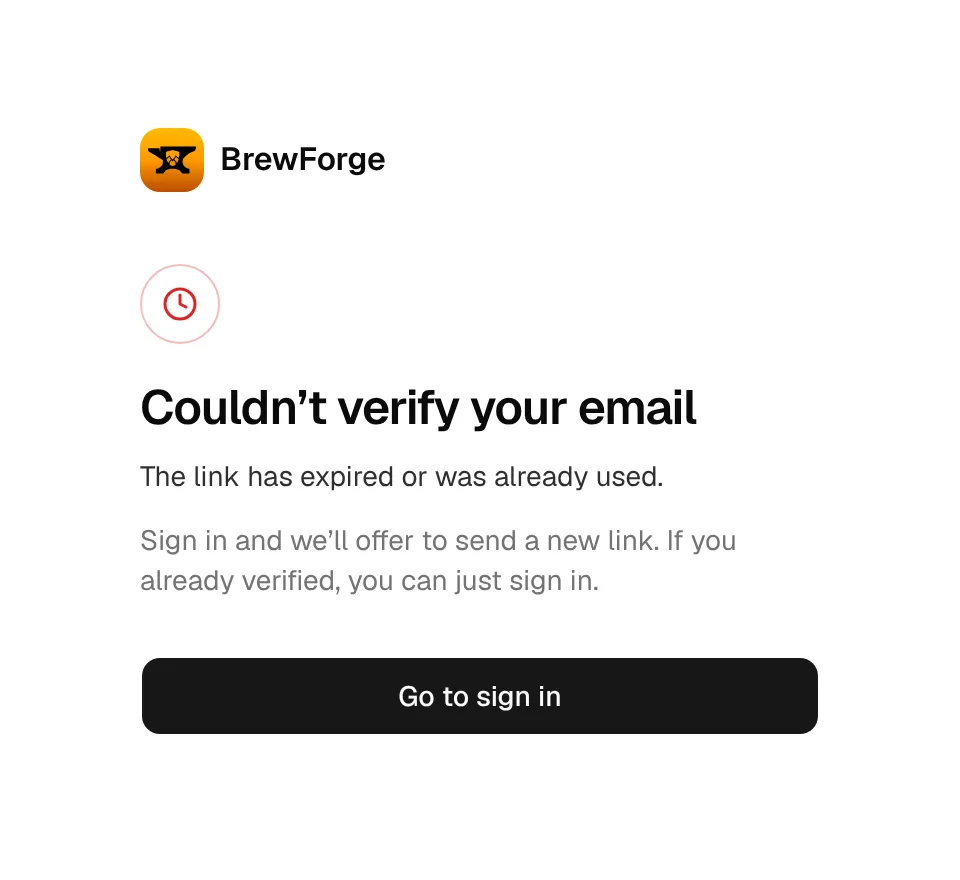
"Couldn't verify your email"
The link is older than 24 hours, was already used, or is incomplete. If you already clicked it once, your email is verified: just sign in. Otherwise click Go to sign in, sign in with your email address and click Send the link again.
Typo in the email address at sign-up
An unverified account can't be signed in to, so you can't fix the address yourself. Create the account again with the right address. The username from the first try stays taken: pick another one, or contact support to remove the unfinished account so you can use the name.
"An account with this email already exists"
You (or someone with your address) already signed up. Use Sign in or reset your password below the message. If that account was never verified, sign in with the email address and click Send the link again to finish it.
This username is taken. Try another. means the username belongs to someone else (or to your earlier, unfinished sign-up, see above). Usernames have 3–30 characters: letters, numbers, underscores and dots.
Sign-in errors
- The email, username or password is wrong. Check for typos and caps lock, and try your email instead of your username (or the other way round). Still wrong? Reset your password.
- Verify your email first. Your address isn't verified yet, see Verify your email.
- Too many attempts. Wait a moment and try again. Too many tries in a few seconds. Wait a short moment, then try once more.
Signed out unexpectedly
A sign-in lasts 30 days and is extended while you use BrewForge, so you stay signed in as long as you open it at least once every 30 days. You are also signed out on a device when:
- you changed your password with Sign out on other devices turned on, or
- someone used Sign out or Sign out all other devices under Signed-in devices, or
- the browser deleted its cookies (private windows, "clear data on exit", cleaner apps).
When you open a BrewForge page while signed out, the sign-in page opens and takes you back to that page afterwards.
Resetting your password with Forgot password? does not sign out your other devices. If you reset because someone else might know your password, open Signed-in devices afterwards and click Sign out all other devices.
Change your email address
You change it while signed in, on the Account page: BrewForge sends a link to the new address, and the change only happens once that link is opened (valid for 24 hours). Until then you keep signing in with your current address.
Contact support
Contact support when:
- none of your email addresses gets the reset email,
- you no longer have access to the email address of your account,
- you want an unfinished sign-up removed, or
- an error keeps coming back after you followed the steps on this page.
Write to support@brewforge.sh from the address you signed up with if you can, and include your username. Never send your password. More ways to reach us: Support.
The sign-in pages are in English and German; switch the language at the bottom of the page.